
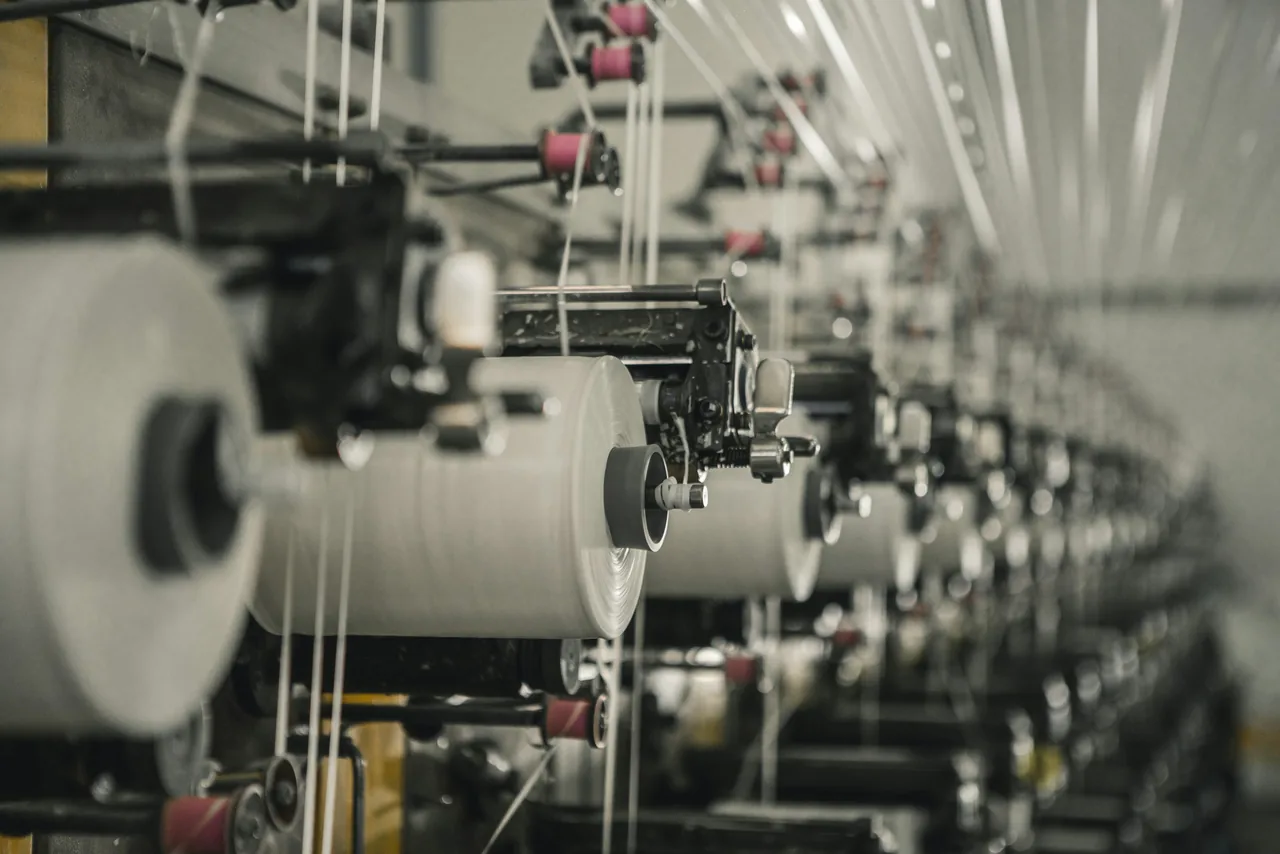
The real challenge in fabric manufacturing is not only producing metres or kilograms. It is knowing which yarn became which fabric roll, which machine produced it, where it is waiting, what grade it received, and whether it can be dispatched against the buyer commitment.
Key takeaways
- Verdict
- Number and weigh every roll at the machine, not at inspection
- Plan from
- GSM, construction, width, shrinkage and wastage per order
- Watch daily
- Processor pendency, shortage and dispatch risk
- Edition
- Knitting ERP for KPO and rolls, Weaving ERP for beam and loom
- Go-live
- 4–6 weeks, implemented on site from Ludhiana
Fabric visibility breaks when roll identity is weak
Knitting and weaving teams often know total production, but lose clarity at roll level. ERP should preserve the production trail from order and yarn issue to machine output, processor location, inspection grade, packing and billing.
Yarn planning should start from fabric logic
A reliable workflow calculates yarn demand using order quantity, GSM, construction, width, shrinkage, wastage, shade, stock and open purchase. This keeps yarn purchase, issue and reservation tied to actual fabric commitments instead of rough estimates.
Machine output needs shift-level truth
Track loom or knitting machine output by order, operator, shift, downtime reason, planned metres, actual metres and rejected quantity.
Every roll needs a passport
Roll number, weight, length, shade, grade, location, process status and dispatch linkage should move together.
Processor stock is where hidden delays usually sit
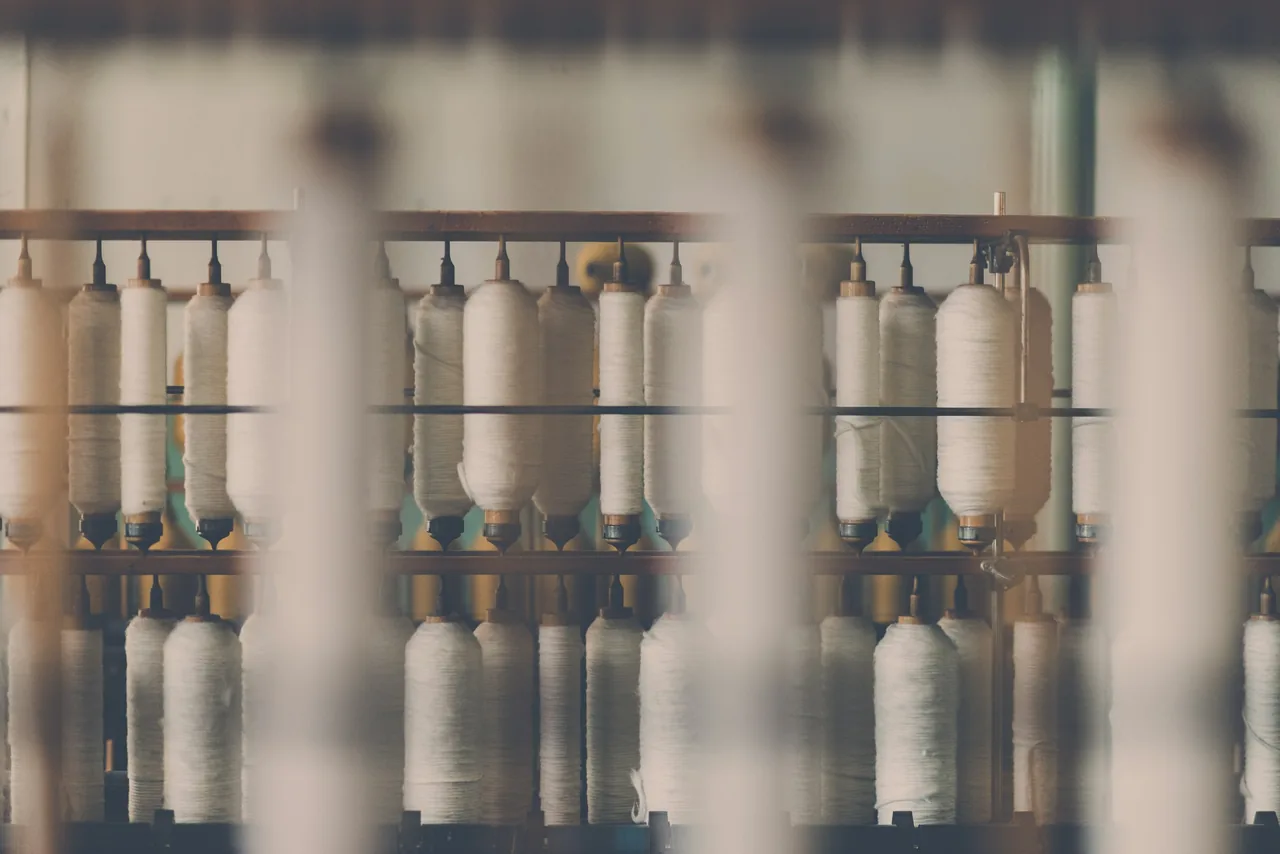
When fabric moves to dyeing, washing, finishing, compacting or outside processing, ERP should show pending quantities by challan, roll, processor, expected return date, shortage, rejection and next operation. In eManage Knitting ERP the roll tag printed at the weigh scale is the same tag the eWarehouse app scans at the rack and again at dispatch, so a roll is never re-identified by hand.
The fabric workflow ERP should make visible
A practical knitting and weaving ERP should not talk only about modules. It should show how information moves through the factory.
-
1
Order and fabric master
Buyer, style, construction, width, GSM, shade, shrinkage and delivery terms.
-
2
Yarn requirement
Demand planning against stock, open purchase, lot, shade, count and reservation.
-
3
Machine plan
Assign loom or knitting machine with shift target, operator, speed and downtime code.
-
4
Roll generation
Generate roll number, length, weight, shade, machine source and job reference.
-
5
Inspection and processing
Track outside process, inspection points, defects, grade, shortage and rework.
-
6
Packing and dispatch
Map roll readiness to packing, invoice, buyer delivery and cost visibility.
What managers should see without asking the floor
A good textile ERP view should answer five questions quickly: what is planned, what is running, what is produced, what is stuck and what is ready to bill. That reduces manual chasing between purchase, production, quality, stores and dispatch.
Machine
Target versus actual production, downtime, efficiency and pending order balance.
Roll
Roll-wise location, grade, weight, process status and buyer allocation.
Yarn
Count-wise stock, lot issue, reserved quantity and shortage before production.
Cost
Material, process, job work, wastage, rejection and dispatch-linked costing.
How should a knitting or weaving unit phase ERP?
Masters first, roll numbering at the machine second, processor accountability third, and exception reviews once the first three are live. Done on site, this takes 4–6 weeks.
- Clean masters before dashboards. Standardise yarn count, fabric construction, GSM, width, shade, machine, process, defect and grade masters first.
- Start roll numbering at production. The roll identity should be generated at the machine output point, not recreated at inspection or dispatch.
- Make outside processing accountable. Each challan should show roll-wise issue, receipt, shortage, rejection, pending status and process cost.
- Review by exception, not by chasing. Use pendency, shortage, downtime, rejection, delayed processor return and dispatch risk views to guide daily review.
Which metrics should a fabric unit track?
Four areas cover most of the risk: yarn, machine, roll and processor. Each has a leading indicator that shows up days before a dispatch date slips.
| Area | What to monitor | Why it matters |
|---|---|---|
| Yarn | Reserved versus available stock, lot-wise issue, shortage risk | Prevents machine stoppage and last-minute purchase pressure. |
| Machine | Plan versus output, downtime, efficiency, rejection | Shows whether the factory can still meet the delivery date. |
| Roll | Location, grade, weight, process status, dispatch lock | Stops finished fabric from becoming invisible inventory. |
| Processor | Pending challans, expected return, shortage, rejection | Keeps outside work measurable and financially accountable. |
Related editions
Knitting units get KPO, yarn planning and roll weighing in Knitting ERP. Weaving units get warping, sizing and loom-wise greige in Weaving ERP. Both run on the same database as Dyeing ERP.